Vibe Coding from My Phone: Building CI/CD Infrastructure for Mobile-Only Development
Table of Contents
- Background: Vacation Coding Without a Laptop
- The Problem: No Local Dev Environment
- The Solution: Infrastructure Before Features
- Conclusion: Phone-Only Development is Possible
AI Disclaimer: This post was dictated by me and polished by AI. And yes, I vibe coded from my phone to add this post to my blog repo
Dragon Quest Solitaire:
Background: Vacation Coding Without a Laptop
Over Christmas break, I got hooked on dragonsweeper—a GREAT browser game. It made me want to keep developing my own game which also has “Dragon” in the title.
It is a solitaire dungeon crawler card-game I started building two years ago in vanilla JavaScript, but lost steam on. With current AI coding tools, I thought maybe I could kickstart development again.
The catch: I was on vacation and did NOT want to open my laptop.
I happened upon a fun blog post from Simon Willison where he talks about how he uses Claude Code from his phone, and was curious if I could do the same.
All of what you are about to see was developed 100% from my phone. Mostly while in the passenger seat of a car or while lounging on a couch watching christmas movies.
The Problem: No Local Dev Environment
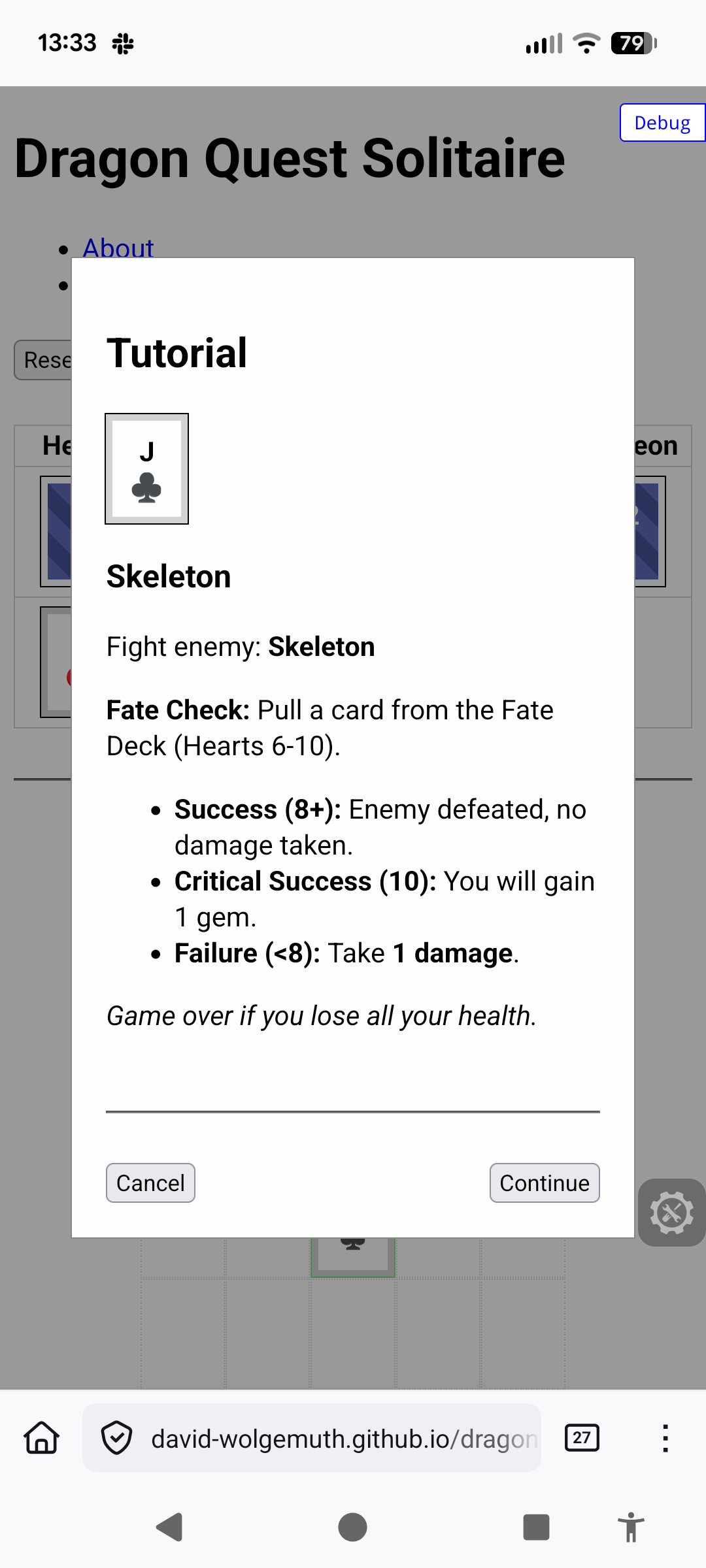
Vibe coding on mobile means you can’t run anything locally. No dev server, no test suite, no browser pointed at localhost. You’re writing code blind.
This was also a two-year-old codebase with real complexity—game rules, card interactions, state management. I didn’t want the AI to just rewrite everything. I wanted to maintain the feel of the app and ensure the game rules stayed intact.
The project was already on GitHub and used basic Github Pages hosting. But without pushing directly to main, I had no way to QA changes on mobile.
The Solution: Infrastructure Before Features
Three pieces:
1. PR Preview Deployments + Auto-Generated QA Links
URL State Serialization: Full game state encoded in the URL as base64 (health, gems, inventory, dungeon grid, fate deck state). Any scenario becomes a shareable, bookmarkable link.
GitHub Actions workflow that:
- Deploys each PR to GitHub Pages (
/pr-preview/pr-16/) - Runs integration tests that generate fixtures (saved game states)
- Converts fixtures to URL state
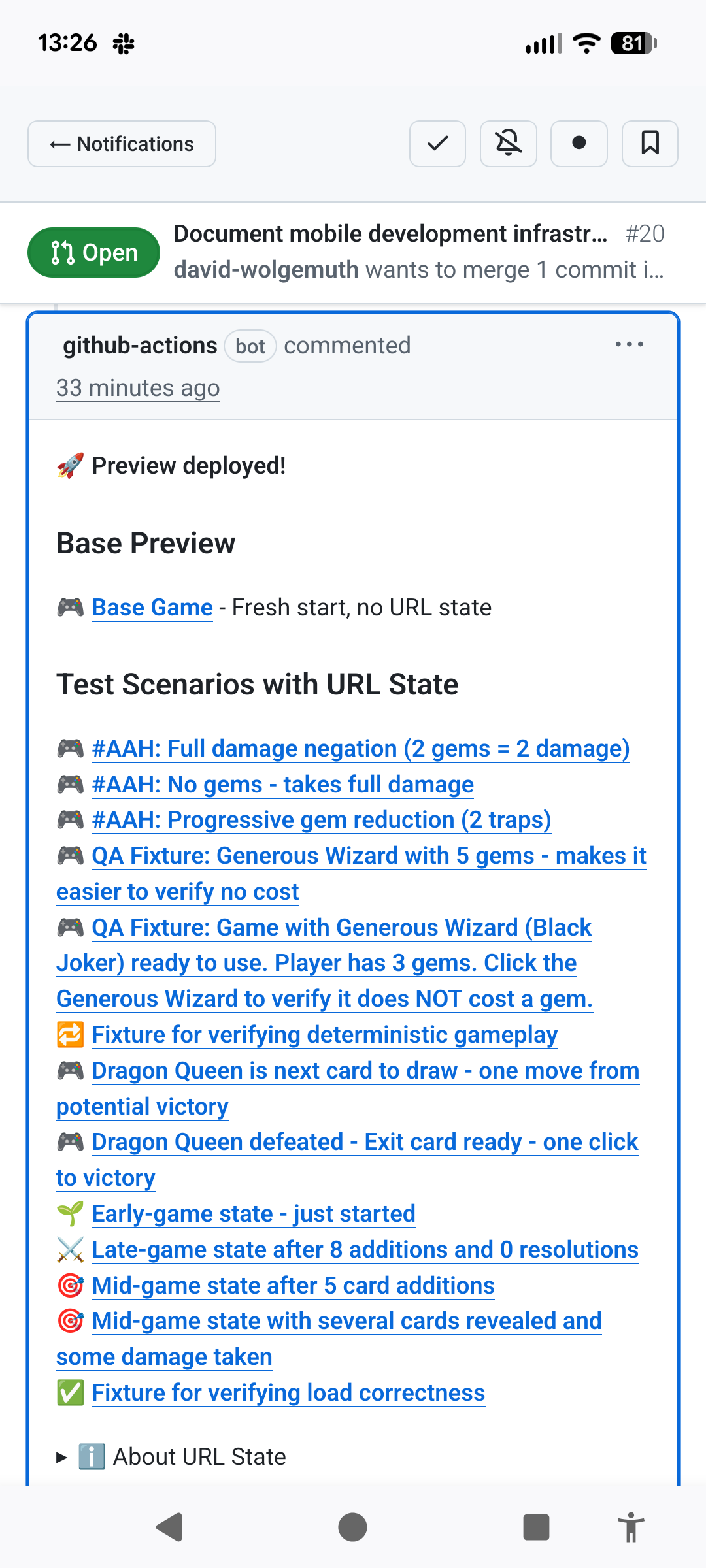
- Posts a comment on the PR with clickable links to each scenario
Result in the PR comment:
🚀 Preview deployed!

🎮 [Base Game](.../pr-4/?state=abc)
🌱 [Early game scenario](.../pr-4/?state=def)
⚔️ [Dragon Queen battle](.../pr-4/?state=ghi)
✅ [Gem damage reduction test](.../pr-4/?state=jkl)
Tap a link, game loads in that exact state, QA on my phone.
2. Mobile Debugging Infrastructure
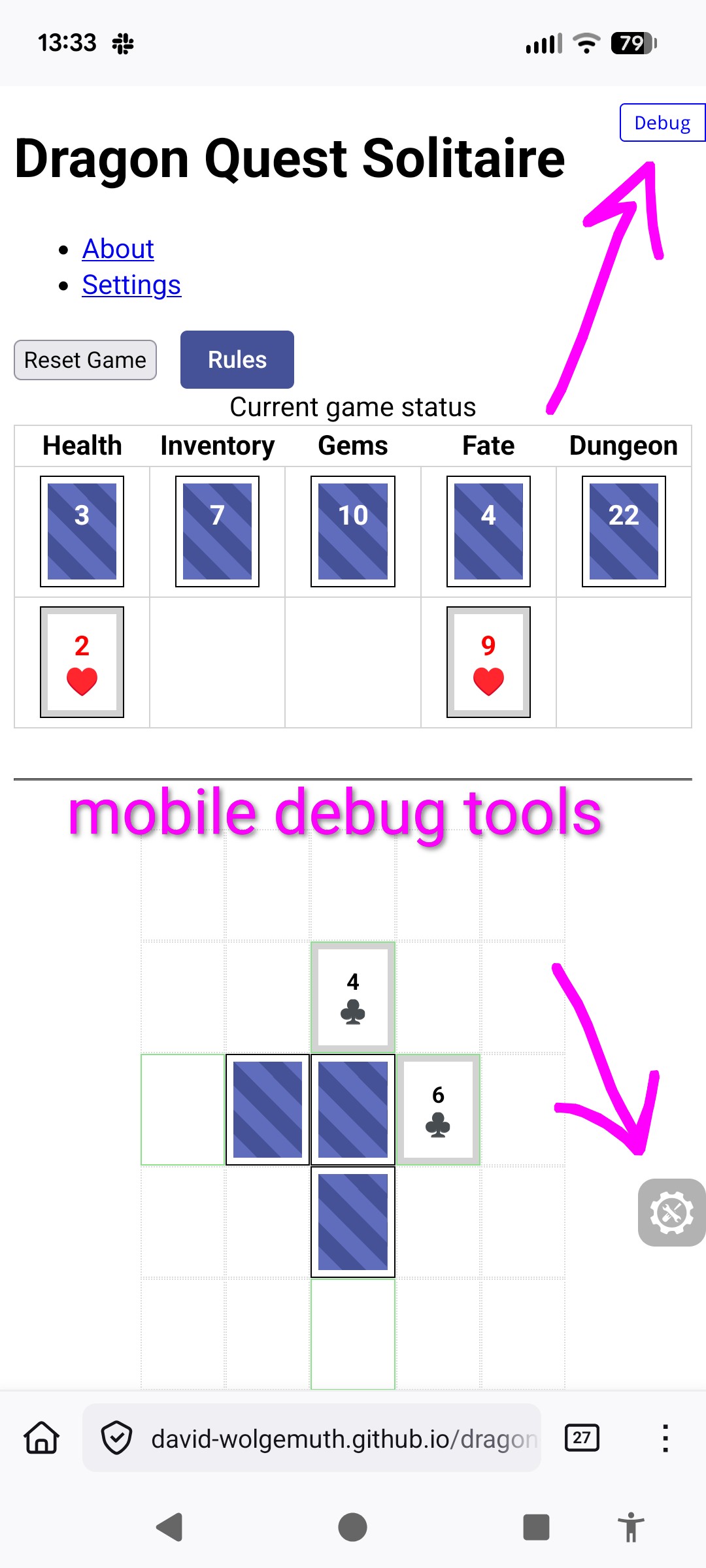
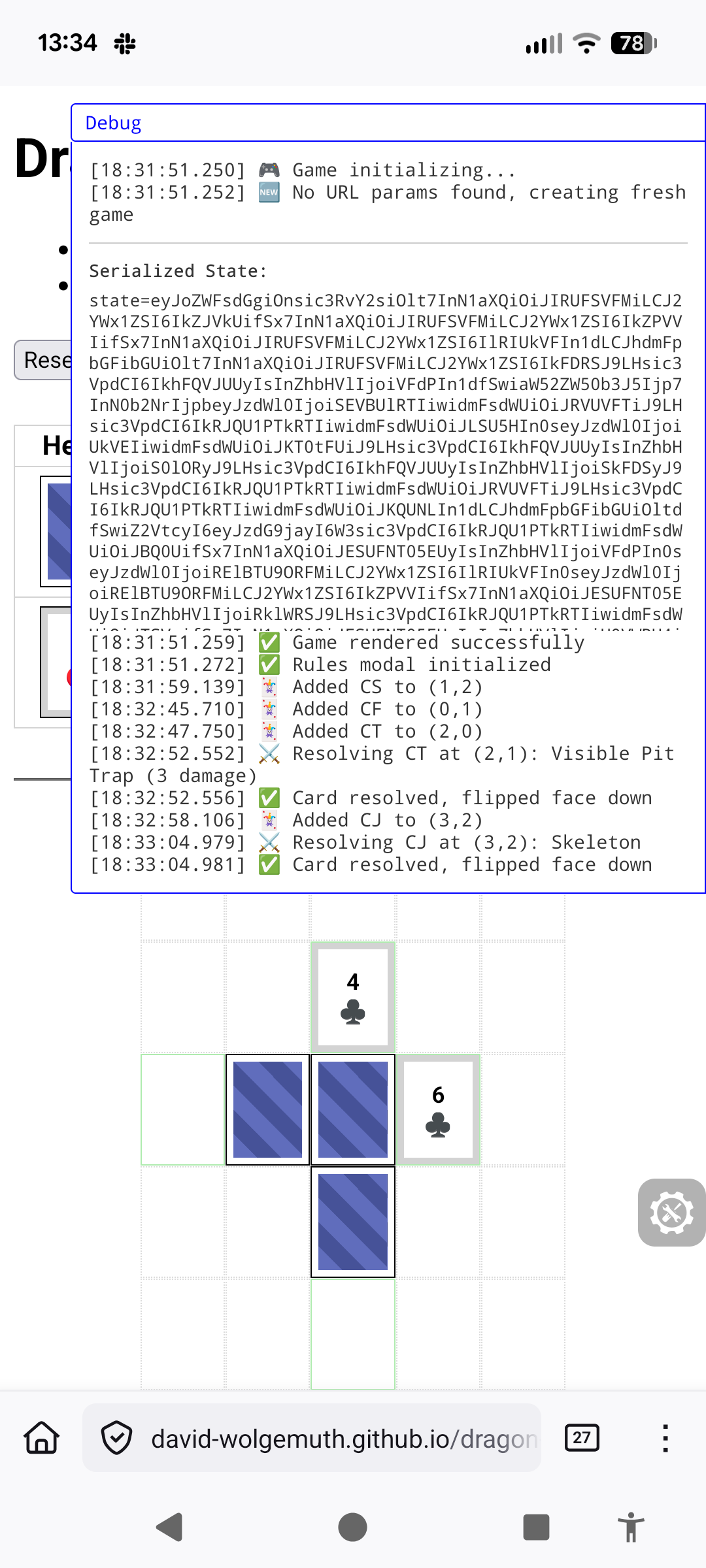
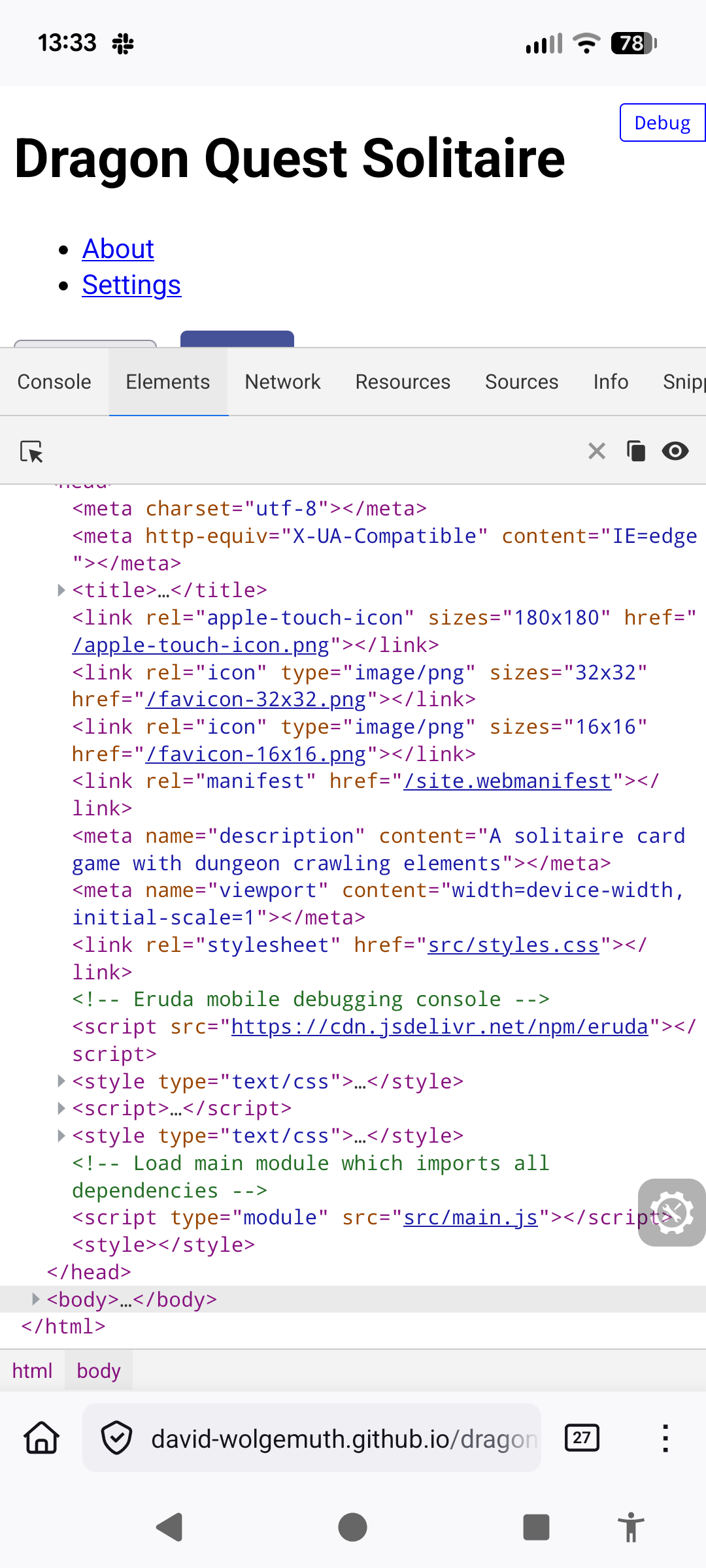
On mobile, you can’t just open DevTools. I built two solutions:
- custom debug log that appends messages to a hidden div on the page
- integrated eruda—a mobile-friendly devtools library that gives console, network, elements, etc.
3. Markdown-Based Todo System & Contribution Guide
I didn’t want to have the AI make gigantic PRs rewriting everything. I wanted small, test-driven contributions that didn’t break existing functionality. I had already had a small backlog of features and bugs in markdown files in the repo, so I formalized that into a simple todo system that the AI could read and follow.
todos/README.md— master list with priority, t-shirt size, statustodos/AAJ-young-dragon.md— individual task specs with acceptance criteria
## 🔥 Critical (P0)
- [ ] P0 | L | [#AAO](AAO-gem-damage-reduction.md) | Gem damage reduction

## ✅ Completed
- [x] [#AAJ](AAJ-young-dragon.md) | Young Dragon gems - Fixed in PR #10
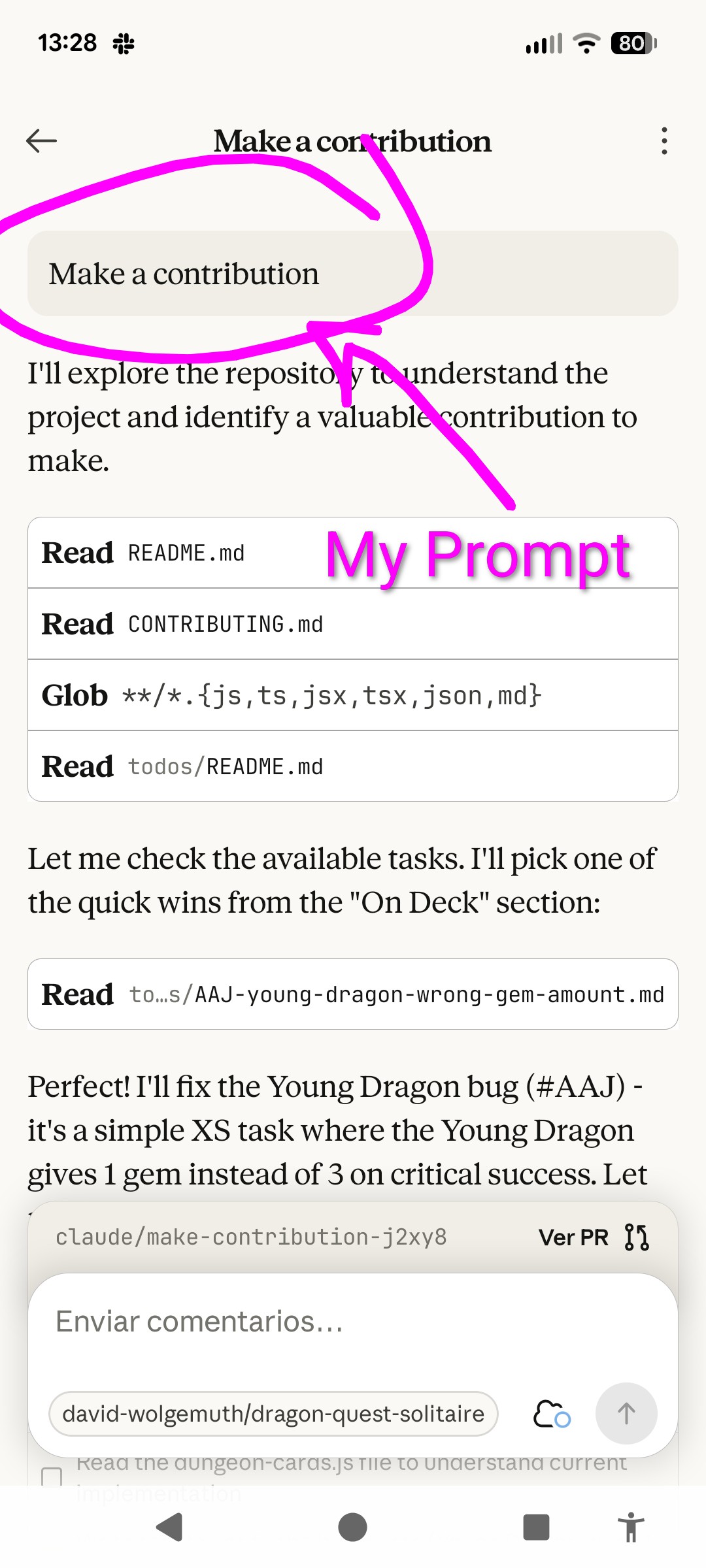
The CONTRIBUTING.md file defines how to structure PRs, the test-first workflow, fixture creation, and todo updates. When I start a session: “Look at the backlog, find a high priority item, work on it, mark it done in the PR.” The AI reads the contributing guide and knows exactly what to do.
Benefits:
- Documentation stays with code
- PRs update the todo list in the same commit
- AI can read the backlog and pick up tasks
- No sync issues, no external dependencies
Conclusion: Phone-Only Development is Possible
I will (hopefully) never need to vibe code from my phone, BUT this experiment proved it’s possible with the right infrastructure.
Essential requirements:
- Ability to QA changes
- PR Environments
- Auto-generated scenario links from tests
- Mobile debugging tools
- Custom or third-party mobile devtools
- Sanity in your backlog and contribution process
- Markdown-based todo system
- Clear contribution guide
My game, Dragon Quest Solitaire is still in progress. But dragonsweeper by Daniel Ben is great, and you should check it out!